Docker Volumes Explained

Docker Volumes are a mechanism to preserve container data even after the container is destroyed. It is a file system mounted on a container.
Each container has a blueprint on which it is launched called an image. Each layer can have multiple layers on top of that.
When containers write to a path beneath a volume mount point, instead of changing the writable layer, data is changed or stored in the volume it is attached to. Even if the container gets destroyed, the data on it is still preserved and can be mounted to another container.
Docker Volume is simply a file system for Docker containers. Usually, it is mounted on /var/lib/docker/volumes path on Linux-based containers.
Bind Mounts vs Docker Volumes
Bind Mounts are another way to store data with a container. It directly uses the host directory to store container data instead of having a dedicated file system. Any changes in the container is reflected directly on the host directory . They can be used for temporary data storage.
Volumes, on the other hand, can be used for permanent data storage. It directly maps the host to container directly. It can be done using the -v option in Docker CLI.
-v /path/on/host:/path/on/container
Examples:

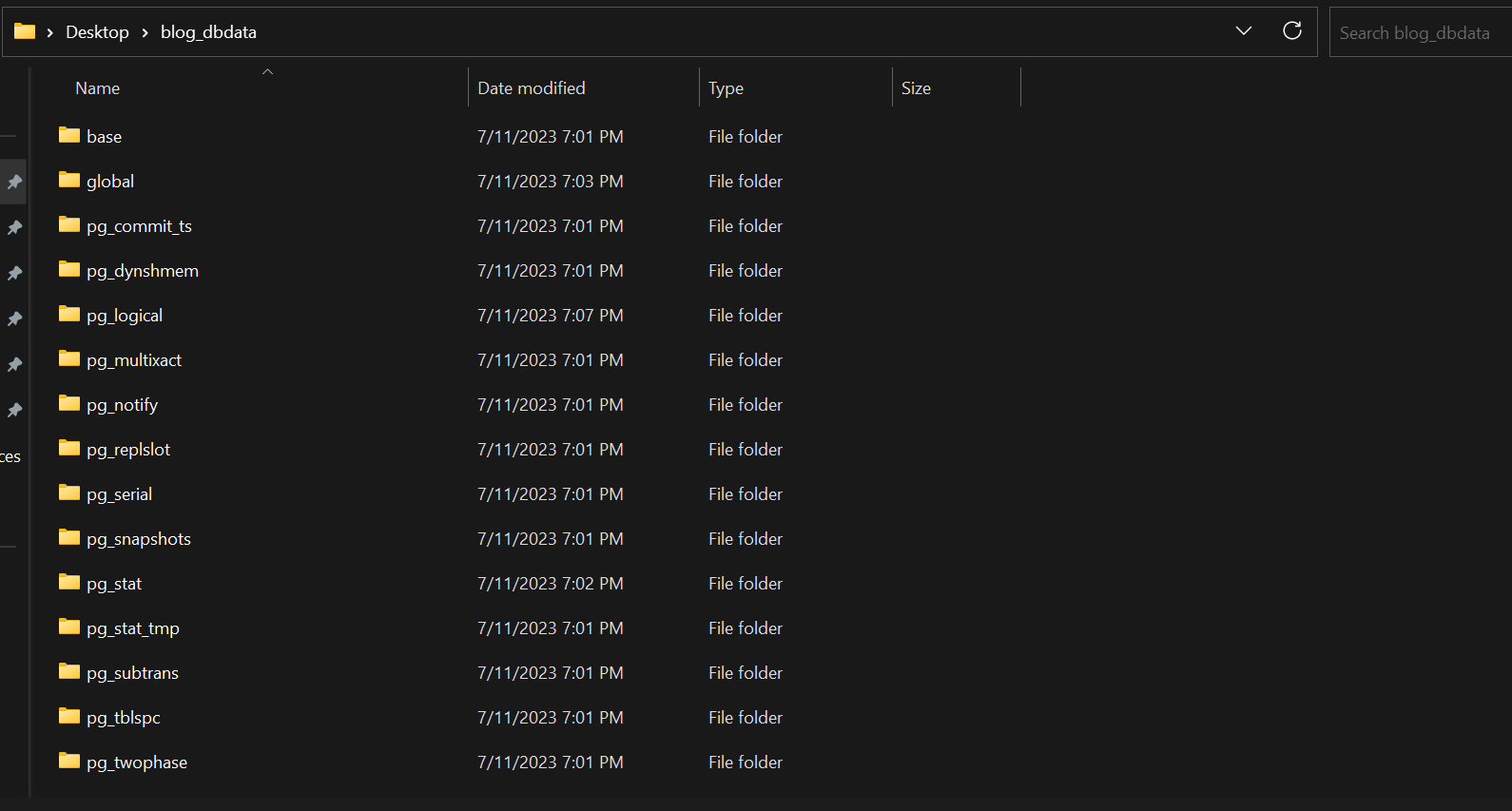
Here, I am initializing a Postgres database using A container.
-v C:/Users/attej/OneDrive/Desktop/blog_dbdata:/var/lib/postgresql/data
It maps my device's directory to its container directory for its volume.
Conclusion
In conclusion, Docker volumes are a powerful tool for managing and persisting data generated by and used by Docker containers. They offer several advantages over bind mounts, including being easier to back up or migrate, being managed by Docker, and being able to be shared among multiple containers.

